
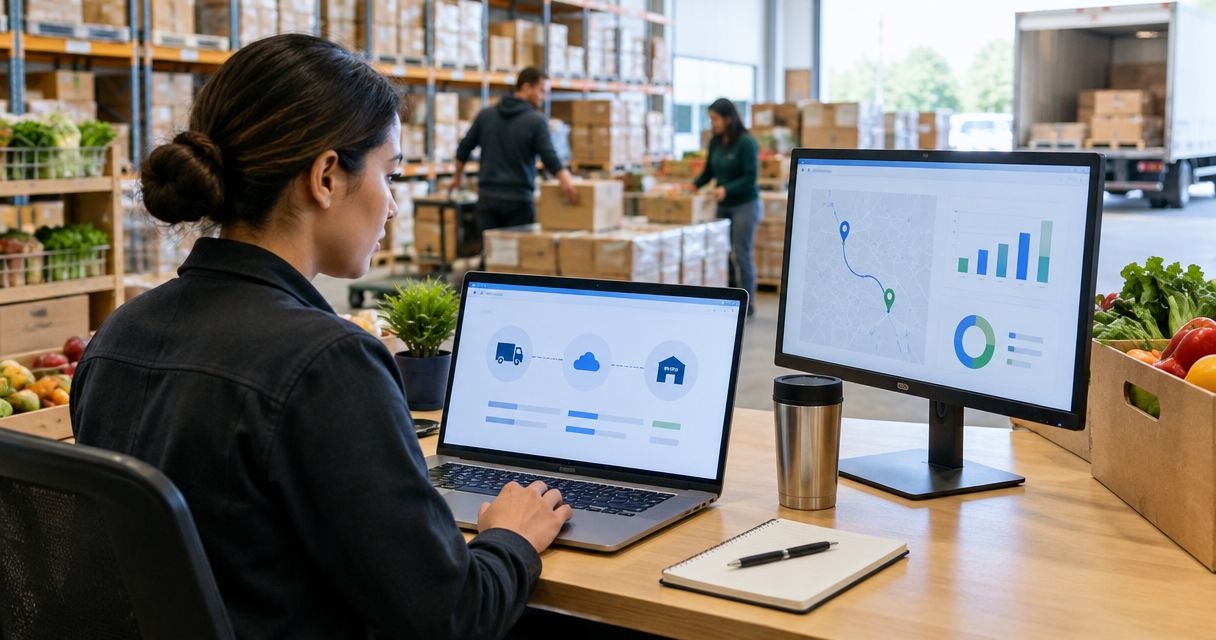
Manually re-keying inventory counts between Unidad Logistics and your food bank's own warehouse system costs staff hours every week and multiplies entry errors on exactly the items you can least afford to miscount. Set up a direct data feed instead, so inbound pallets, kitting counts, and outbound deliveries move between the two systems without anyone retyping a line.
- Connect Unidad Logistics to your food bank's warehouse system through EDI 856/940/945 feeds, not manual spreadsheets.
- Map every SKU to one code before the first sync — cold-chain items need separate lot and temperature fields.
- Trigger inventory updates automatically when a kitting or box program pulls stock, not only on a nightly batch.
- Pilot the connection with one shipment before moving your full warehouse over.
Why this matters
A food bank running kitting programs, WIC distribution, or disaster-response boxes out of one warehouse can't afford a system that only reconciles once a day. Umoja Health builds and advises on logistics setups for food banks, government agencies, and healthcare providers, and the pattern that causes the most downstream damage is the same every time: SKU codes that don't match between the 3PL platform and the internal warehouse system.
When Unidad Logistics and your warehouse system share a live feed instead of a manual upload, your inventory counts, lot numbers, and shipping confirmations stay in sync as pallets move. That matters most during a disaster declaration or a summer meal program surge, when volume spikes and manual entry is the first thing to fall behind.
Before you start
- Admin-level access to both systems. You need someone who can generate API credentials or sign an EDI trading partner agreement on the Unidad Logistics side, and create a matching vendor record inside your warehouse management system (WMS) — a read-only report login won't get you through setup.
- A clean SKU master list. Every item moving through your kitting and box programs needs one code that matches across both platforms before you map anything. Duplicate or inconsistent SKUs are the single most common reason a sync breaks in week one.
- The gotcha: cold-chain items — produce, dairy, medically tailored meal components — carry separate lot and temperature-log fields that standard SKU mapping doesn't capture. Flag these fields before the first sync runs, not after a refrigerated truck has already left the dock.
Set up the data connection between Unidad Logistics and your WMS
- Request API credentials or an EDI trading partner ID from Unidad Logistics support. Most setups route through a sandbox or test environment first, before credentials are switched to production.
- Inside your own WMS, create a new inbound connection record and assign it the vendor ID that Unidad Logistics issues.
- Select the transaction set types your warehouse actually needs: EDI 856 for Advance Ship Notices on inbound pallets, EDI 940 for outbound shipping orders, and EDI 945 for shipping confirmations back to the warehouse.
Expected result: your WMS shows an active connection status and receives a test transaction from Unidad Logistics within the sandbox environment before you touch production data.
Map SKU and location codes across both systems
- Export your current item master from the internal WMS, including unit of measure (case, each, pallet) for every line.
- Cross-reference each item against the Unidad Logistics item catalog and resolve any code that doesn't match exactly — a near-match is still a mismatch once the feed goes live.
- Assign warehouse location codes (zone, aisle, bin) so that inbound ASN data lands in the right place automatically instead of defaulting to a general receiving dock.
Expected result: a single reconciled item list where every SKU and unit of measure matches on both sides, with no orphaned codes on either platform.
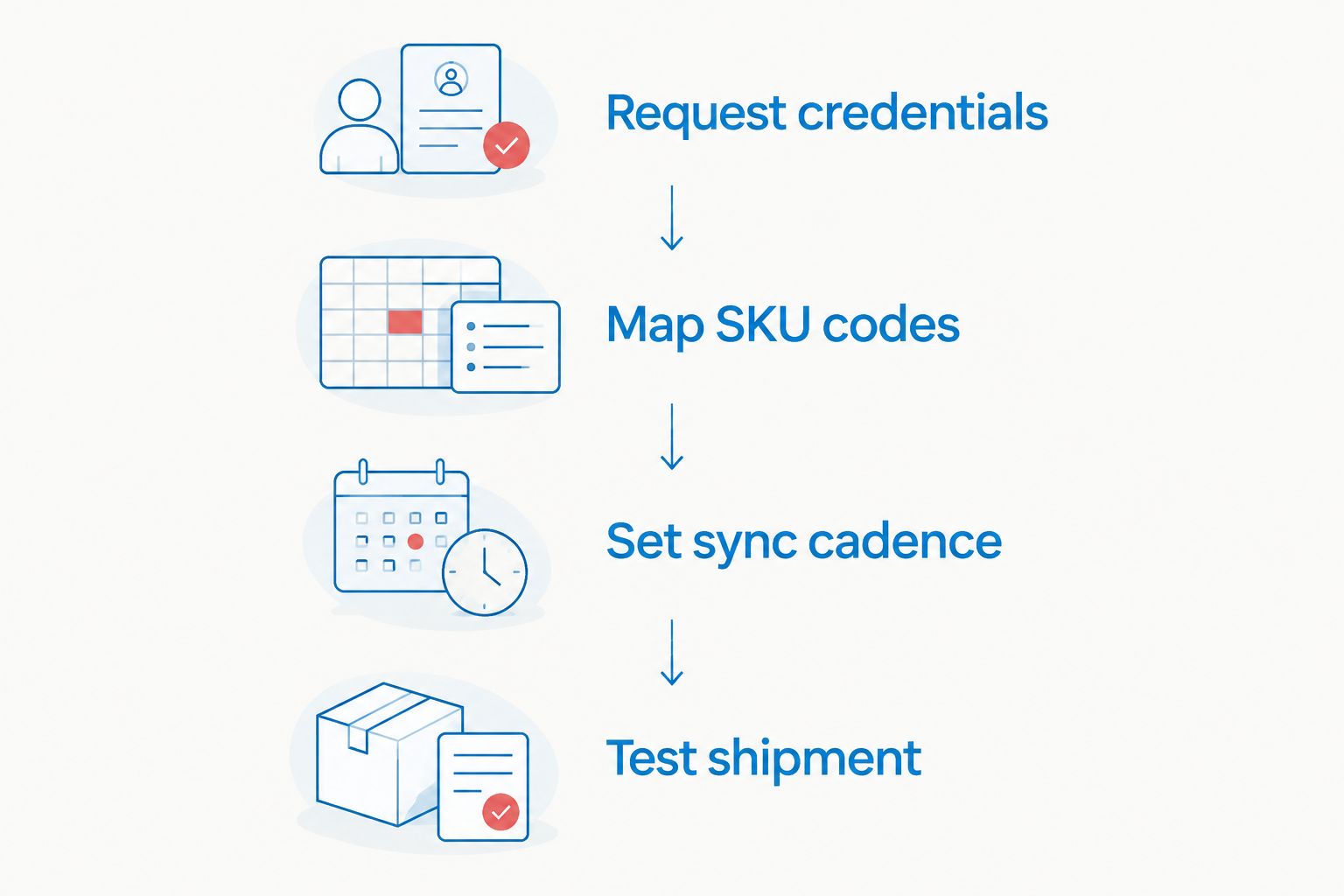
Configure sync cadence and kitting triggers
- Set the sync frequency your warehouse actually needs — real-time for high-volume disaster response, or a fixed batch window for steady-state operations.
- Turn on inventory decrement rules so that when a kitting program pulls stock for a box build, the count updates in both systems, not just internally.
- Confirm that outbound EDI 945 confirmations post back to Unidad Logistics automatically once a shipment leaves the dock.
Expected result: inventory counts in your WMS and in Unidad Logistics match at the end of a full receive-pick-ship cycle, with no manual reconciliation step.
Variant: sync inventory automatically when a box program pulls stock
If your food bank runs ongoing kitting and box programs rather than one-off shipments, the connection should trigger on program activity instead of a clock. Every time a box program build consumes SKUs for a kitting and box program, the decrement should fire into both systems at once — this is the difference between a warehouse that knows its real-time stock position and one that finds out it's short the morning of a distribution.
Troubleshooting
- Duplicate SKU codes across cold-chain and ambient items. Resolve this before go-live — once both feeds are live, a duplicate SKU will silently misstate inventory for whichever item posted last.
- Mismatched unit of measure. A case recorded as 1 unit in one system and 1 case in the other will overstate or understate stock the first time a pallet moves. Standardize unit of measure on both sides before mapping.
- ASN arrives before the physical pallet. This is normal for EDI 856 timing, not a system failure — build a short buffer into your receiving workflow rather than treating it as an error.
- Lot or temperature fields missing on kitted items. If a cold chain distribution SKU doesn't carry a lot field, trace it back to the original item master export — it was likely never flagged during mapping.
Customize your workflow
Once the core connection is stable, extend it rather than leaving it as a one-time setup. Food banks running disaster-response programs often add automatic dispatch rules so inventory moves the moment a disaster is declared, and programs serving Medicaid or WIC populations often layer in referral data on top of the warehouse feed.
Talk to Umoja Health about your warehouse setup
Get guidance on integrating logistics partners into your food bank's system.
FAQ
What is the best way to connect Unidad Logistics to a food bank warehouse system?
The most reliable method in 2026 is an EDI feed using the 856, 940, and 945 transaction sets rather than manual CSV uploads. This keeps inbound shipment notices, outbound orders, and shipping confirmations synced automatically.
Do I need API access or EDI for this integration?
Either can work, but EDI is the standard for high-volume warehouse operations. API access is more common for smaller food banks running lower shipment volumes.
How long does it take to connect a warehouse system to a 3PL feed?
Setup time depends on how clean your item master is before you start. A food bank with a fully reconciled SKU list moves through credential setup and mapping far faster than one resolving duplicate codes mid-project.
What happens if SKU codes don't match between systems?
Inventory counts will misstate on whichever system updates last, and kitting programs pulling from that SKU will show incorrect stock. Resolve all SKU mismatches before the feed goes live, not after.
Can cold-chain items use the same integration as ambient inventory?
They need the same core connection but additional lot and temperature-log fields. Standard SKU mapping alone won't capture cold-chain requirements for produce, dairy, or medically tailored meal components.
Is real-time sync necessary for every food bank?
No. Real-time sync matters most for disaster response and high-volume kitting programs. Steady-state operations can run on a fixed batch cadence without losing accuracy.
What's the biggest mistake food banks make when connecting warehouse systems?
Skipping the SKU reconciliation step and mapping directly from an unclean item master. This is the single most common reason a warehouse integration breaks in its first weeks of operation.
One last thing
The integration itself is rarely what fails first — the item master does. Food banks that reconcile their SKU list before touching API credentials or EDI agreements get through setup in a fraction of the back-and-forth that teams face when they map directly from a messy export. Fix the list first; the connection is the easy part.